
Collect your audience’s questions and show them on stream.
Share a link with your audience, get their messages, and pick which ones show up on screen while you’re live. Made for streamers and VTubers.

How it works
From the link to the card on screen, in four steps.
-
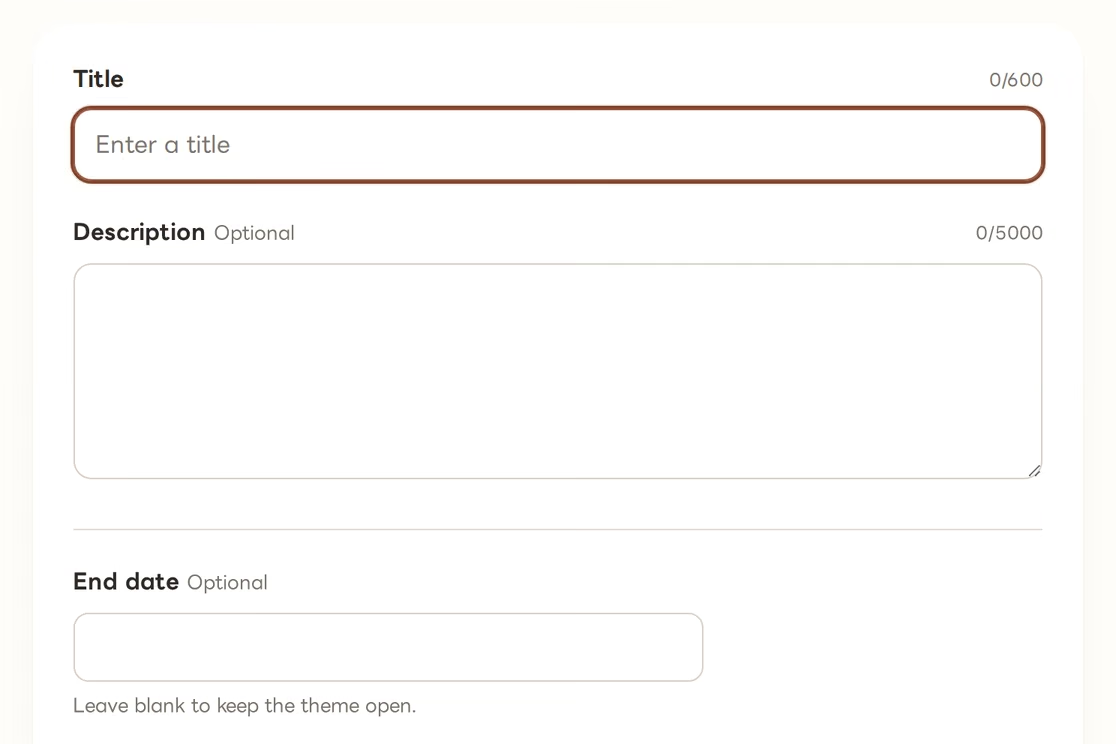
Create a theme
A theme is the question you ask your audience. Give it a title, add a description if you need one, and choose whether people have to leave their name and how long it stays open.
-
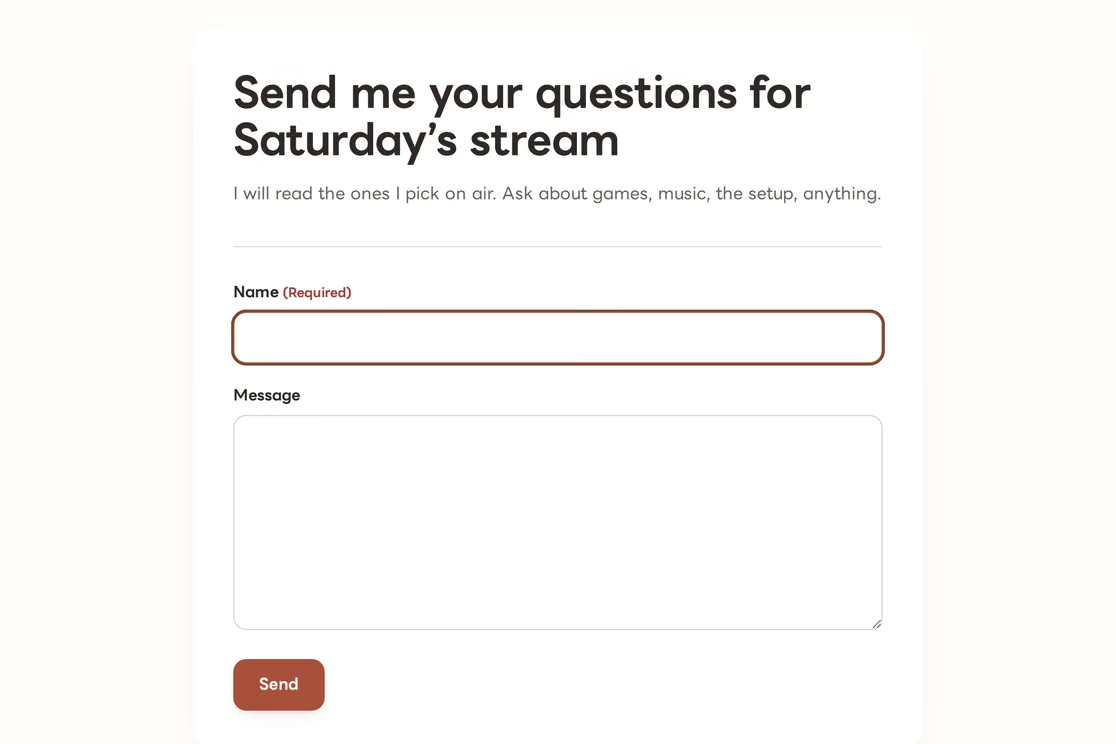
Share the link
Every theme gets its own link. Put it in your bio, a post, or your stream description, and people send their messages from there.
-
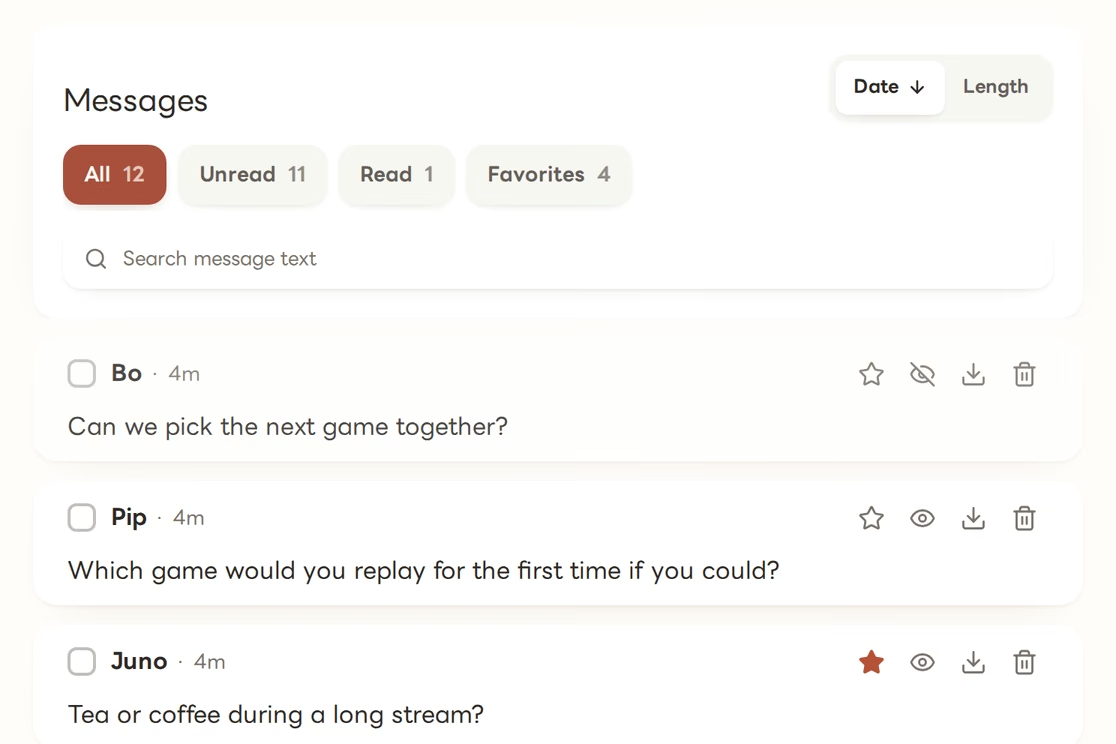
Read what came in
All the messages land in one place. Search, sort, star the best ones, and give each card a look that fits your stream.
-
Put it on stream
Paste the Browser Source link into OBS. Whatever card you pick in the Live console is what shows up on stream.
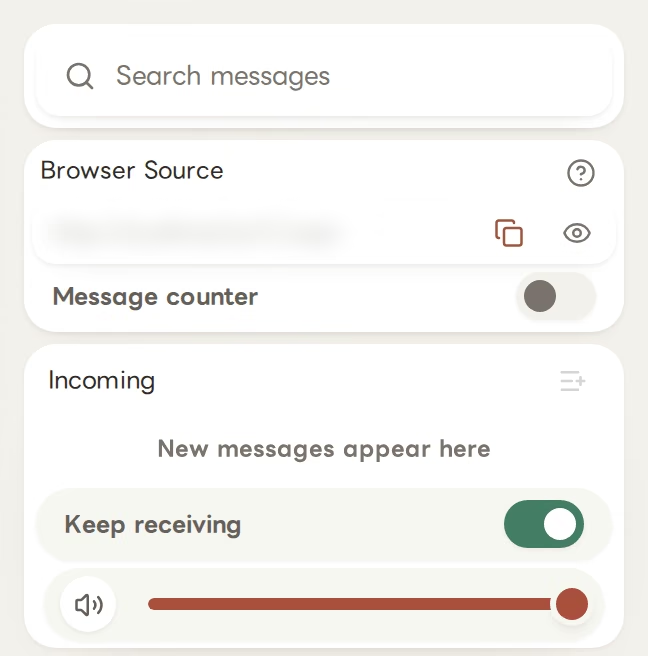
Live console
One screen to run the whole segment.
It’s the screen you keep open while you’re live. The messages you picked are all there, and you put them on screen one at a time, in any order you like.
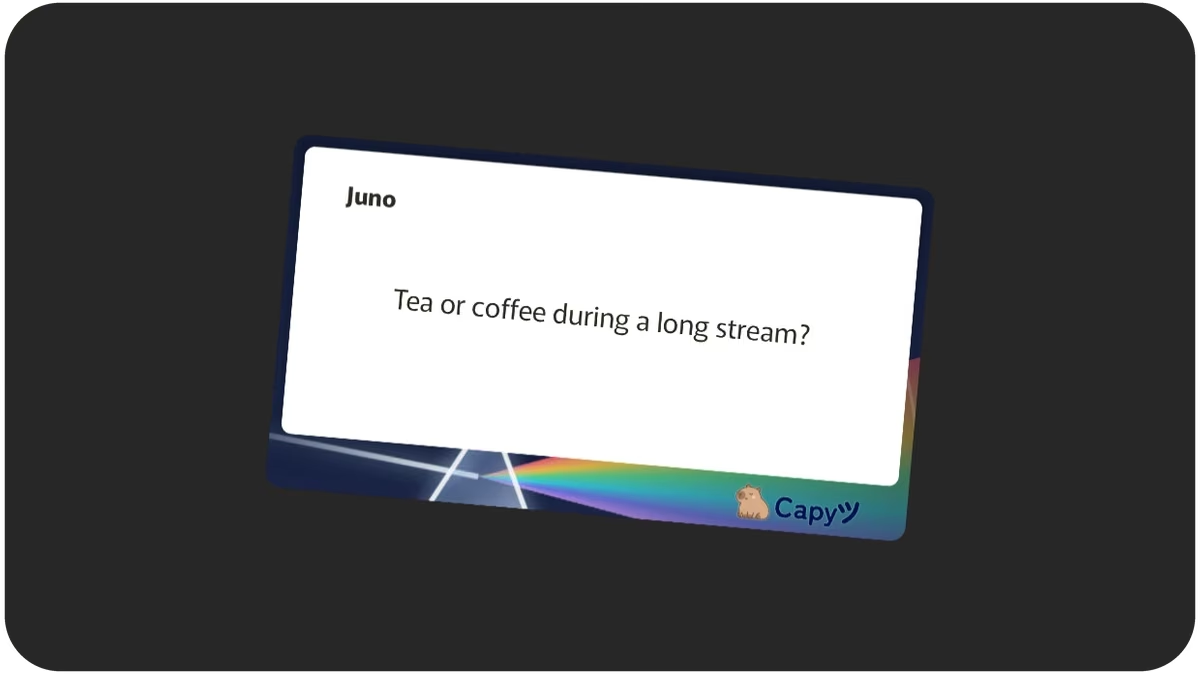
Appearance
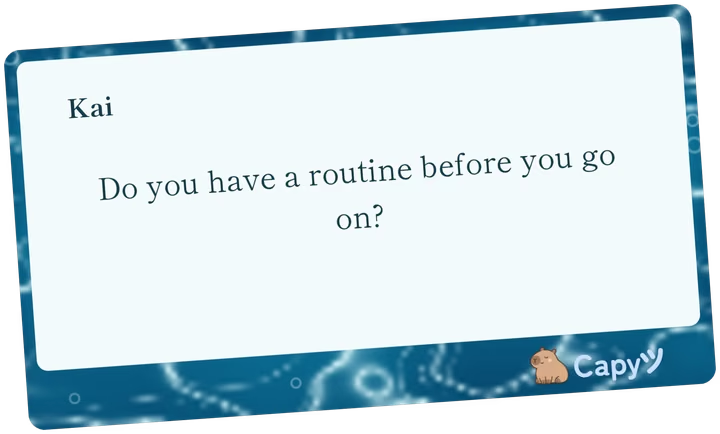
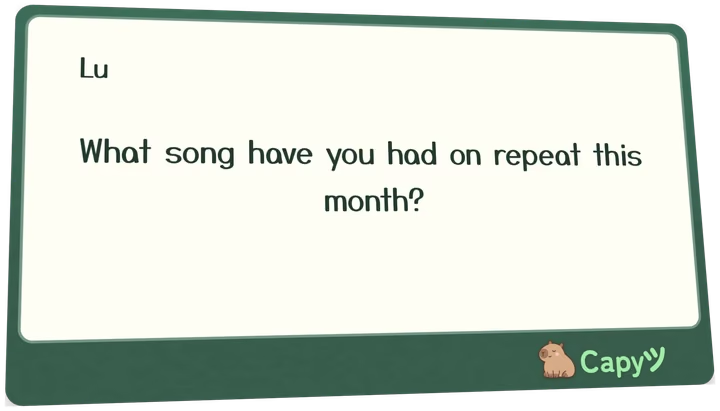
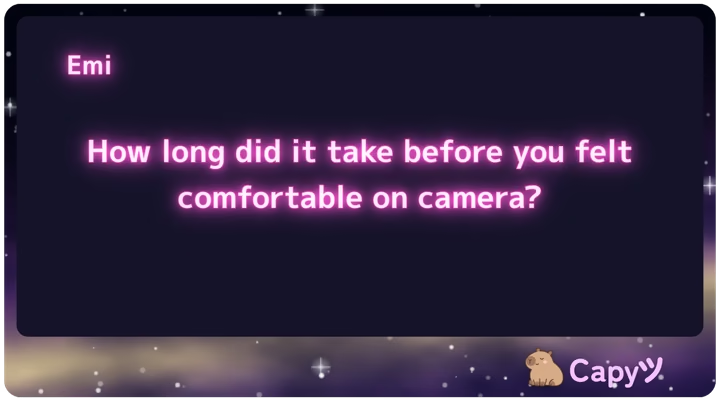
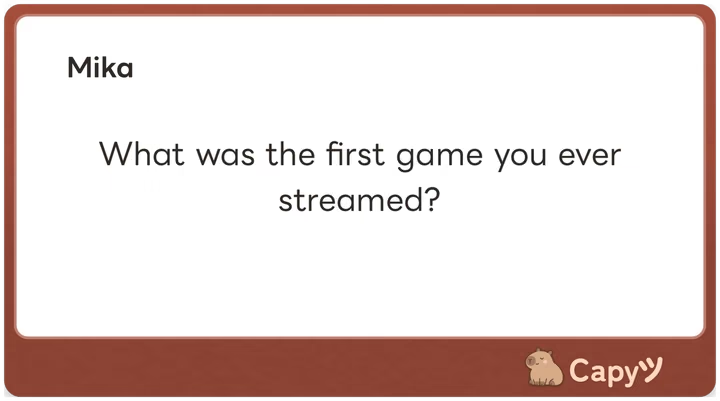
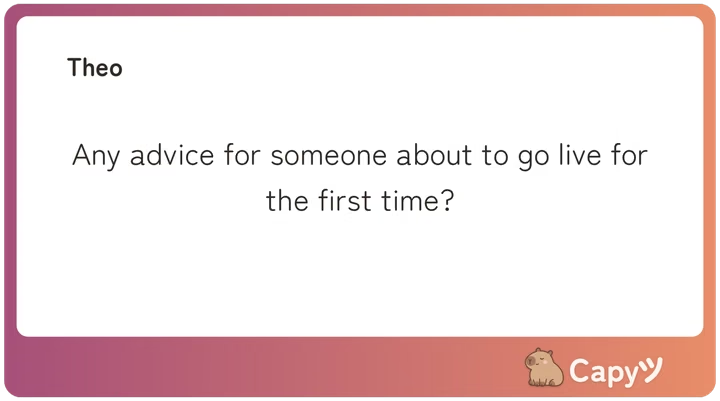
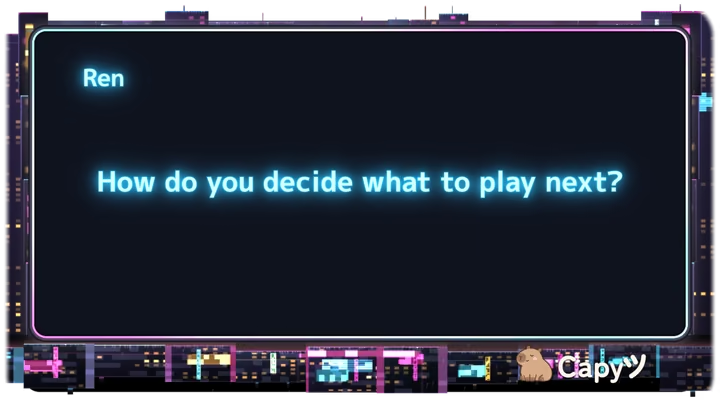
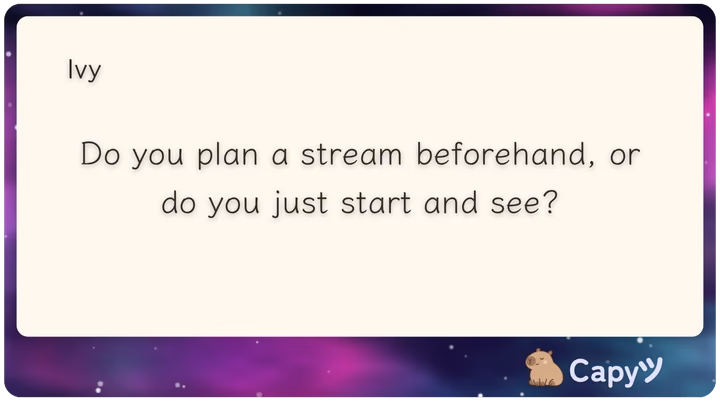
Give the cards the look of your stream.
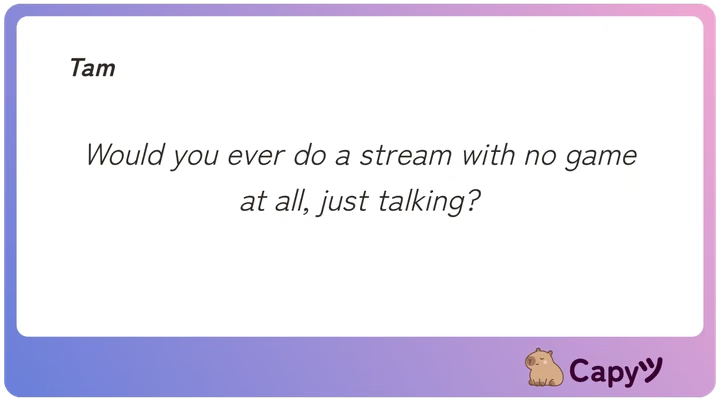
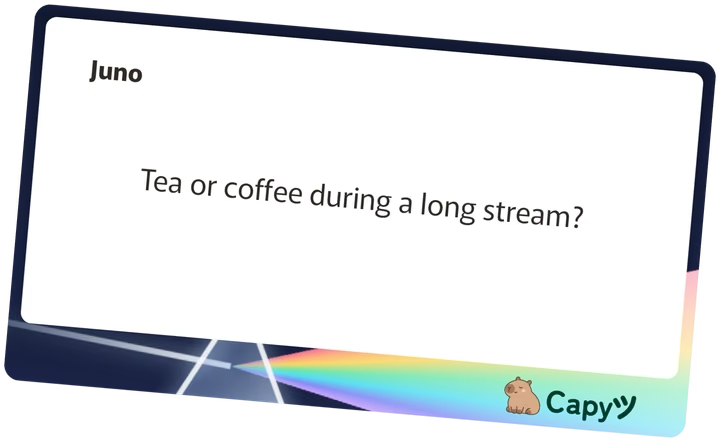
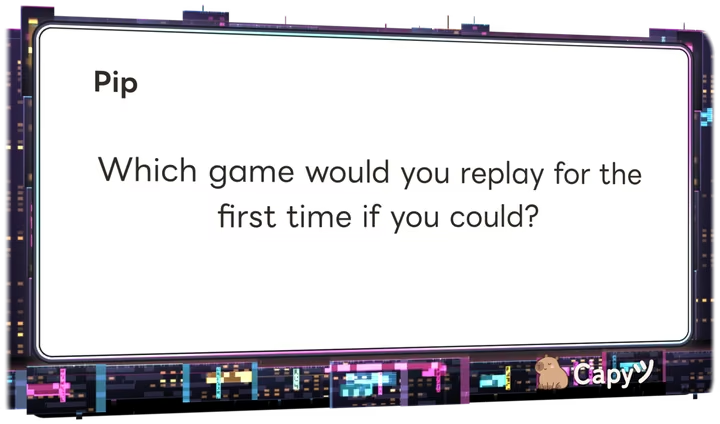
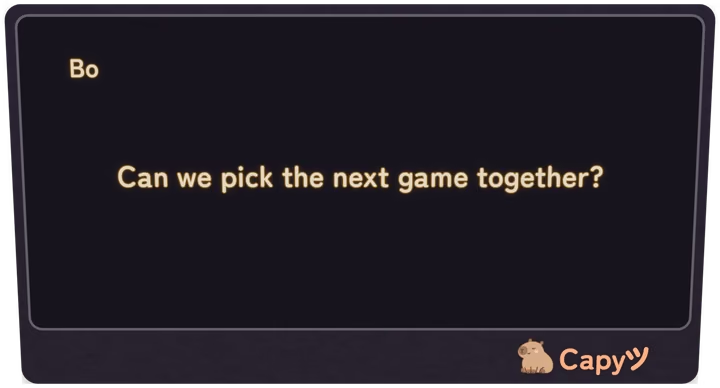
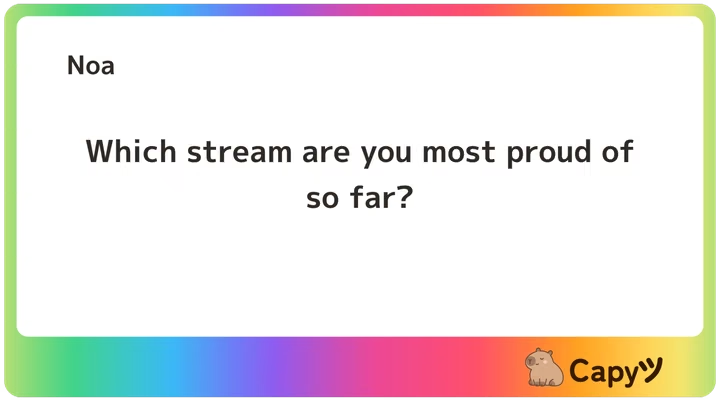
Change the colour, frame, font, size, tilt and animation. Style one message or a bunch at once. And if you want to post a question on social media, just download the card as a PNG.
Questions
Before you start.
Do people need an account to send a message?
No. They just open the link on a phone or computer, write, and send.
Does it work with software other than OBS?
It works with any streaming software that supports a browser source, like Streamlabs or vMix. The card has a transparent background, so it sits right on top of your scene.
Create a theme and share the link.
Read through them when you have time, pick the best ones, and have everything ready for your next stream.
Create your first theme